
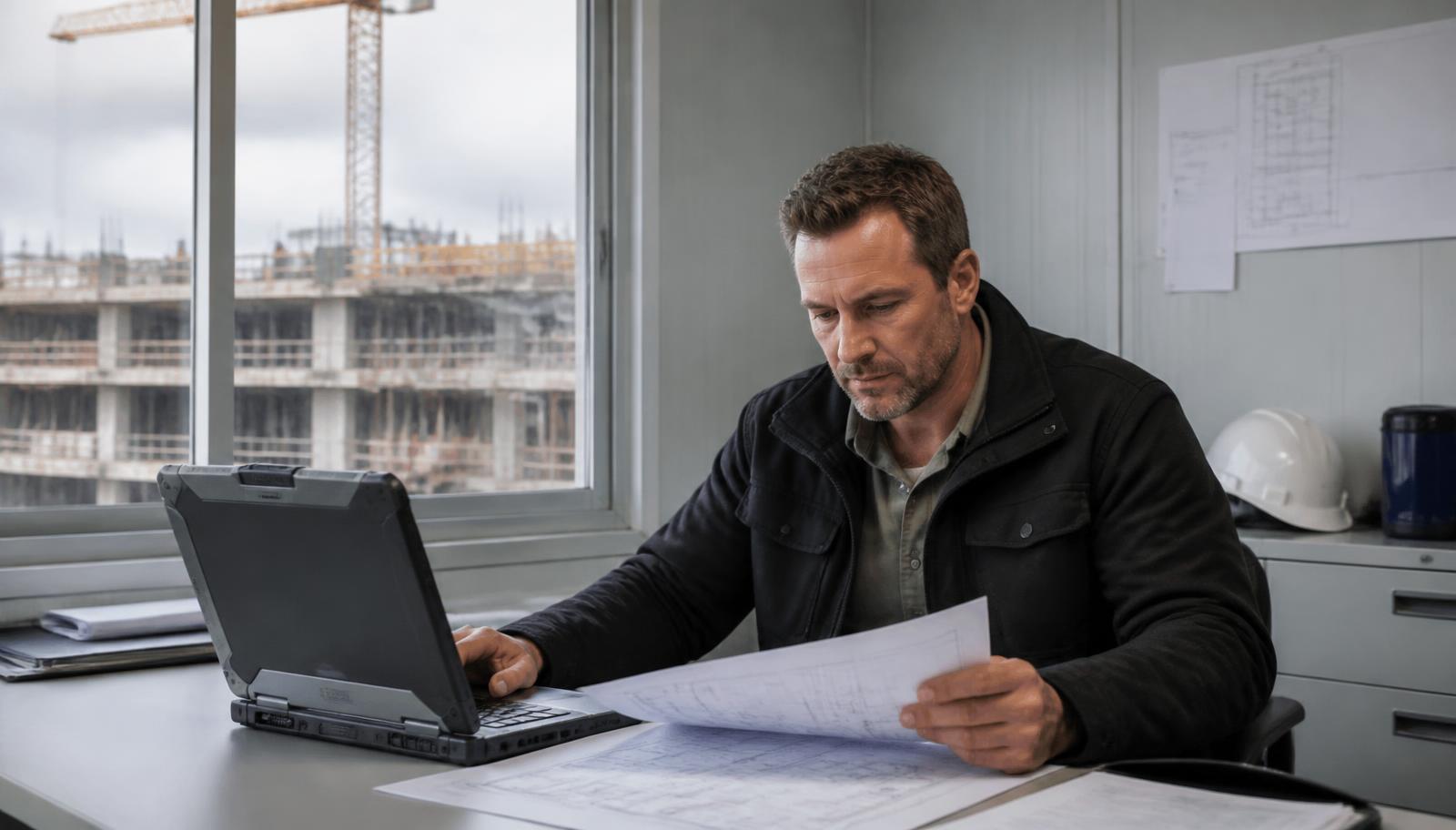
Sector Construction & Renovation
One office. Multiple sites. One IT infrastructure.
How we work here
Technology at the service of your operations
A construction company never works from a single place: a technical office, a warehouse, several active sites, temporary cabins and field staff who all need the same email, the same drawings and the same applications. We connect every site to the office, centralise documentation in the cloud, protect the devices that leave the building and support the whole estate through a single point of contact — from the site cabin's internet connection to the server running your ERP.
Common challenges
- Temporary sites that start without fibre or with patchy coverage
- Site managers and technicians who need drawings, email and applications away from the office
- Documentation scattered across laptops, email, NAS devices and per-site folders
- Laptops, phones and credentials moving well beyond the office perimeter
Our response
Four areas we address in this sector
Internet where the site begins
A new site rarely has permanent telecoms on day one. We assess the actual coverage at the location and propose FTTH, dedicated fibre, a radio link or Starlink, with a backup line and automatic failover where the contracted service includes it, professional Wi-Fi in the cabin and a VPN tunnel back to head office.
Files and applications travel with your team
We centralise documentation, projects and business applications in the cloud so the same user can work from the office, the cabin, home or the car, with their own permissions and without copying folders around. Before moving an application we check its technical requirements with the vendor: not everything migrates to cloud the same way.
A build can be redone. Lost data cannot
Estimates, measurements, drawings, contracts, certifications, site photography and databases hold years of work. Managed backups with defined retention, an off-site copy, supervision of every job and restore testing. A laptop, a NAS or a synced folder should not be the only protection strategy.
We protect a team that works inside and outside the office
Security no longer stops at the office firewall: there are laptops on site, phones on the move and connections from networks you do not control. We combine endpoint protection, multi-factor authentication, email filtering, VPN, access control, monitoring and backups ready to restore. No measure removes risk entirely; the goal is to reduce it and be able to resume work.
Technology from day one
A new site should not start disconnected
Opening a site means solving internet access, network, Wi-Fi, workstations, printing, email and ERP access — plus telephony and cameras where relevant — within a few days. We assess the location, the available coverage and the expected duration, deploy what is needed and integrate it with head office as one more location rather than an island.
- Internet access: fibre, radio link or satellite depending on coverage
- Firewall, network and professional Wi-Fi in the site cabin
- Users, workstations and printing set up under company policy
- VPN or cloud access to head office and business applications
Redundant connectivity
When the connection is critical, one line may not be enough
When a site depends on the ERP, email, purchasing or certifications, a line failure halts the administrative side of the project. A primary line can be combined with an independent secondary link — radio or Starlink — and automatic failover. No architecture guarantees absolute availability: the aim is that one fault does not stop everything.
- Primary line sized for the users and applications involved
- Secondary link over a physically separate route
- Automatic failover where the contracted service includes it
- Line monitoring and incident handling with the carrier
Cloud
A single working environment for every site
When each site keeps its own files, different versions of the same project start circulating. Centralising documentation and applications in the cloud means always working on the right information, granting access by profile, adding resources as activity grows and depending less on the physical office server.
- One document structure for office, warehouse and sites
- Permissions by project, by role and by partner company
- Resources that scale when new sites open
- Controlled remote access with multi-factor authentication
Technical office
Large projects need infrastructure built for them
Drawings, CAD, BIM models, renders, technical PDFs and site photography move large files that put pressure on the network and on storage. We size CPU, memory, disk, network and latency — and GPU where relevant — against how the technical office actually works. Applications such as AutoCAD, Revit or other BIM tools are assessed case by case against vendor requirements before moving them to cloud or remote desktop: we do not assume every application performs well remotely.
- Storage and network sized for heavy files
- Prior testing with the technical team's real users and files
- Remote desktop only when testing confirms the experience is right
- Licensing and functional support remain with the vendor or its partner
Microsoft 365
Shared documentation between office and site
With managed Microsoft 365, Teams, SharePoint, OneDrive and Exchange stop being isolated mailboxes: a document structure per project, permissions per team, version control and internal communication with field staff. Worth remembering: Microsoft 365 does not replace a backup policy, so we keep an independent copy of email and files.
- Folder structure and permissions per project and per role
- Project communication and follow-up in Teams
- Multi-factor authentication and periodic access reviews
- Independent copy of email, OneDrive, SharePoint and Teams
Email fraud
A fake invoice can cost more than a server
The sector handles many suppliers, subcontractors, trades and payments, which makes it a frequent target for CEO fraud and supplier impersonation: an email that looks like every other one, with a changed bank account. It is countered with technical measures and internal procedure, and both are needed.
- Email filtering and sender impersonation detection
- Multi-factor authentication on email and critical access
- Alerts on suspicious sign-ins or mailbox rules
- Verification through a second channel before changing a supplier's bank details
Devices outside the office
Site laptops are part of your security perimeter too
Devices used in the cabin, at home, in a hotel or at a client's premises connect to networks you do not control, and sometimes they are lost or stolen. We apply the same policies wherever the device is: managed endpoint protection, updates, disk encryption where the hardware allows it, multi-factor authentication and access through VPN or cloud instead of local folders.
- Managed endpoint protection, including off the company network
- Consistent updates and configuration across every workstation
- Disk encryption where hardware and licensing allow
- Access to information via VPN or cloud, not local copies
Video surveillance
Keep an eye on the site when nobody is there
We install and manage IP video surveillance for entrances, perimeters, material storage areas and plant, with remote viewing from the office or a phone and recording according to the agreed configuration. It is a supervision and incident-review tool; it is not a private security service and it does not prevent theft on its own.
- Cameras for entrances, perimeter and storage areas
- Remote viewing from the office or a mobile device
- Recording and retention as configured and agreed
- Installation coordinated with the site's own connectivity
Several sites at once
Run every site as a single infrastructure
Office, warehouse and each active site stop behaving like islands: the same network policies, the same users, the same access, the same security and one inventory. Opening a site replicates a predefined deployment; closing it means lines, equipment and access are removed or reconfigured as contracted.
- A standard deployment to bring a site online quickly
- Centralised users and permissions, with fast onboarding and offboarding
- Access limited to what is needed, for as long as it is needed, partners included
- Orderly site closure: equipment, lines and access
A single point of contact
One team for the office and for the sites
You do not need an in-house IT department to run professional infrastructure: we can act as the company's external technology team. And if you already have a systems manager, we reinforce that work across connectivity, cloud, infrastructure, backup, cybersecurity and datacenter.
- Workstations, printing and users across office, warehouse and sites
- Connectivity, network, Wi-Fi and VPN between every location
- Microsoft 365, servers and business applications
- Backup, cybersecurity, monitoring and support for the whole estate
Recommended services
The most effective combination in construction & renovation
Why Seintec
A technology partner, not just another provider
In-house team, no intermediaries
Permanent technical staff who know your installation from day one and respond remotely or in situ.
Own Datacenter in Barcelona
Your data remains in Spain, with triple replication, encryption and a 99.98 % service SLA in 2025.
A single point of contact
Infrastructure, cloud, security, support and continuity under a single contract and a single manager.
Frequently Asked Questions
Common industry FAQs
How do we connect a site that has no fibre yet?
We assess the actual coverage at the location and propose what is feasible: a radio link, Starlink satellite or fibre where a connection exists, with the option to migrate to fibre once available. The answer always depends on the location and the coverage at the time.
Can we connect every site to head office?
Yes. Each site joins as another location over VPN or cloud access, under the same network, user and security policies as head office.
Can the ERP be used from a site?
Usually yes, but it depends on the software and its architecture. Depending on the case we publish it in the cloud, provide VPN access or use remote desktop; first we check the vendor's requirements and run a test with real users.
How do you protect laptops that are away from the office?
With managed endpoint protection, centralised updates, multi-factor authentication, disk encryption where the hardware allows it, and access to information over VPN or cloud rather than local copies.
Can you back up our projects and documentation?
Yes. Managed backup of servers, files, databases and Microsoft 365, with agreed retention, an off-site copy, daily supervision and restore testing.
What happens when a site is completed?
It is closed down in an orderly way: communication lines cancelled or relocated, equipment and network removed or reconfigured, temporary access revoked and project documentation consolidated, as contracted.
Can you manage several sites at the same time?
Yes. We work from a standard deployment and consistent procedures, so opening a new site requires no redesign and all of them are supervised from the same management platform.
Do you work with AutoCAD, Revit or BIM software?
We design and maintain the infrastructure those applications run on. Before running them in the cloud or over remote desktop we review the vendor's requirements, GPU, storage, latency and peripherals. Licensing and functional support for the software itself remain with the vendor or its partner.
Can you install video surveillance on a site?
Yes, with IP video surveillance for entrances, perimeter and storage areas, with remote viewing and recording as agreed. It is a technical supervision service, not private security.
Next step
Let’s discuss your project in construction & renovation
We analyse your operations, identify critical points, and propose a specific action plan.